skip to content
Simplified Practice
User Tools
Log In
Site Tools
Search
Tools
Show pagesource
Old revisions
Backlinks
Recent Changes
Media Manager
Sitemap
Log In
>
Recent Changes
Media Manager
Sitemap
You are here:
start
»
company
»
location_create
company:location_create
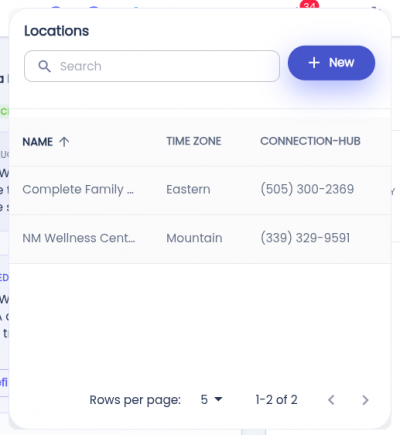
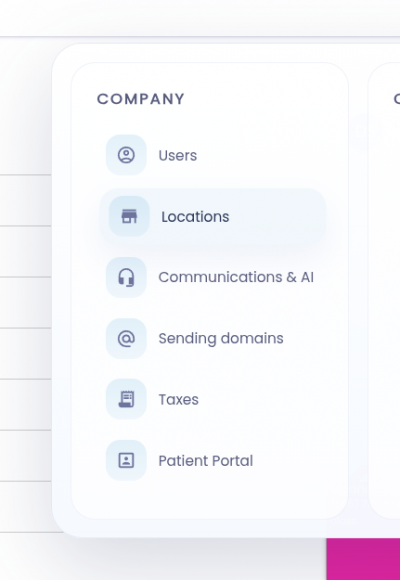
Creating the Location
Step 1: Click the *+ New* button.
Step 2: Fill out the location details in the dialog.
Step 3: Click
Save
.
company/location_create.txt
· Last modified:
2026/08/27 19:21
by
architect
Page Tools
Show pagesource
Old revisions
Backlinks
Back to top