
calendar:settings:timezone
Timezone
This will set the default timezone for the whole clinic. If you'd like to change the timezone just for your user go to here
Click the gear icon in the top-right corner to access the settings.

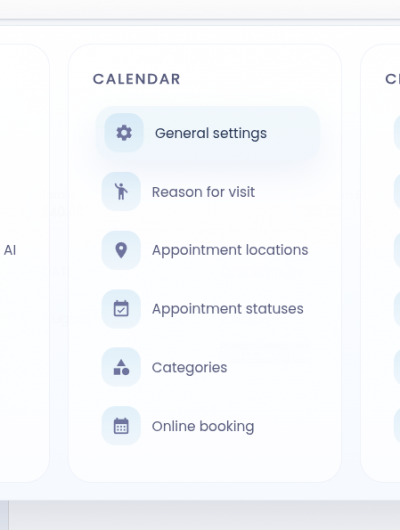
Under the Calendar column, select General Settings.
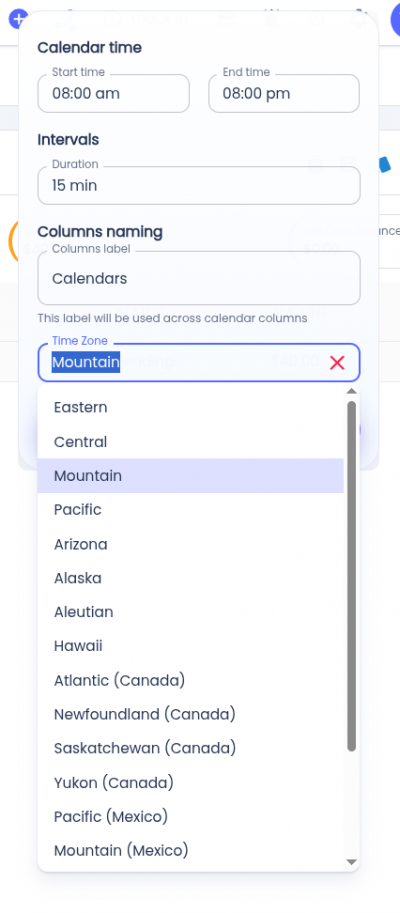
Click the Timezone field and select the timezone for the calendar.
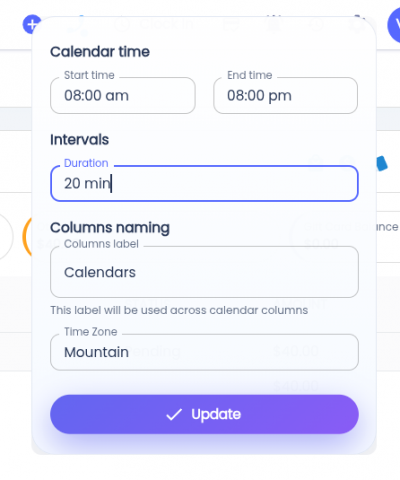
Click the Update button to apply the changes. The selected timeslot will then apply to all users in the clinic.
calendar/settings/timezone.txt · Last modified: by architect