
calendar:settings:column_names
This is an old revision of the document!
Column names
This will change how the calendars are referred as throughout the system. Ex. if you change it to Schedules then it will reflect that when booking or in the reports.
Click the gear icon in the top-right corner to access the settings.

Under the Calendar column, select General Settings.
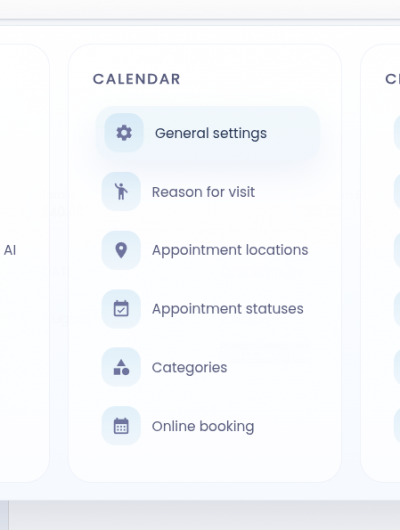
Click the Columns label field and type the new label you'd like to use.
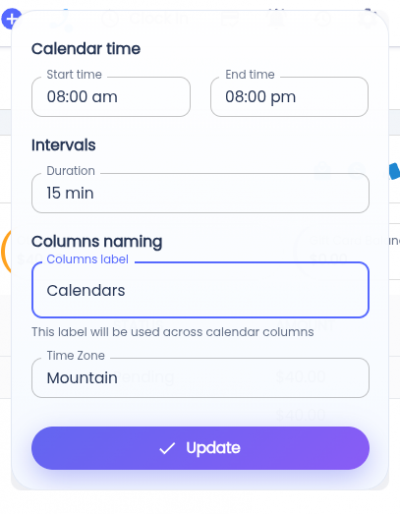
Click the Update button to apply the changes. The selected timeslot will then apply to all users in the clinic.
calendar/settings/column_names.1787083664.txt.gz · Last modified: by architect