
calendar:reason_for_visit:forms
Reason For Visit: Forms
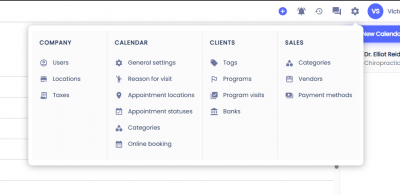
To configure the notifications on a Reason for Visit first click on the gear icon on the top menu, then select Reasons For Visit.
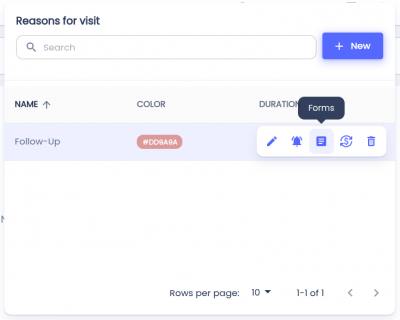
 Hover over the Reason for Visit you'd like to configure and click the button with the document icon.
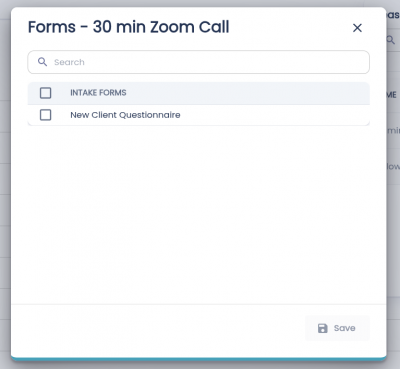
To select a form, select the checkbox to the left of the form.
Click Save.
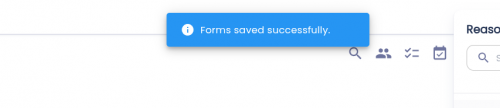
If the forms were saved successfully, then a toast will appear with the text 'Forms saved successfully'.
calendar/reason_for_visit/forms.txt · Last modified: by architect