
calendar:reason_for_visit:delete
This is an old revision of the document!
Delete Reason For Visit
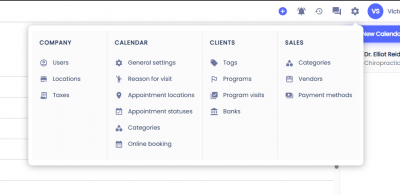
To delete a Reason for Visit first click on the gear icon on the top menu, then select Reasons For Visit.
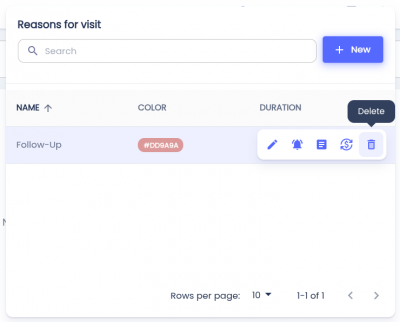
 Hover over the Reason for Visit you'd like to delete and click the button with the trash can icon.
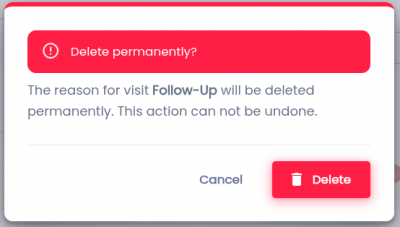
You'll be asked to confirm your choice after clicking Delete. Click the Delete button to confirm.
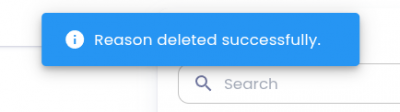
Upon completion, a success alert will confirm the item has been deleted.
Related Pages:
calendar/reason_for_visit/delete.1775595505.txt.gz · Last modified: by architect