
calendar:reason_for_visit:delete
Delete Reason For Visit
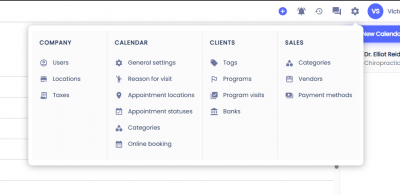
To delete a Reason for Visit first click on the gear icon on the top menu, then select Reasons For Visit.
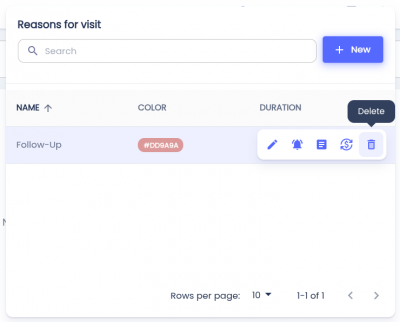
 Hover over the Reason for Visit you'd like to delete and click the button with the trash can icon. This will display an alert.
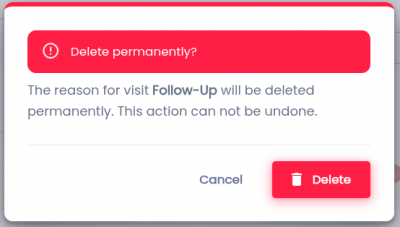
To confirm, click the Delete button.
Note: Deleted Reason For Visit can not be recovered.
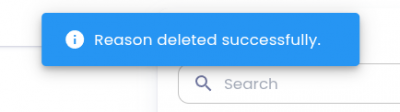
If the Reason for Visit was deleted successfully, a toast will appear with the message 'Reason deleted successfully'.
Related Pages:
calendar/reason_for_visit/delete.txt · Last modified: by architect