
calendar:reason_for_visit:charges
This is an old revision of the document!
Table of Contents
Reason For Visit: Charges
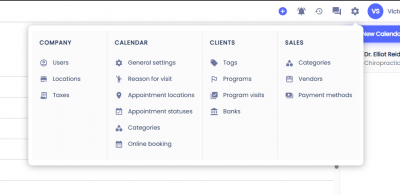
To configure the automatic charges on a Reason for Visit first click on the gear icon on the top menu, then select Reasons For Visit.
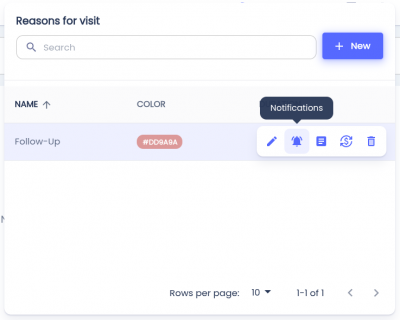
 Hover over the Reason for Visit you'd like to configure and click the button with the dollar icon.
Automated Charges
Click on the plus button next to Add Charge.
Select the a product or service from the dropdown. This dropdown is linked to the Products & Services.
If the bank dropdown is selected the system will attempt to apply the bank to the item if the bank is present on the patient's profile.
Automated Visits
Click on the plus button next to Add Visit.
This will set what program visit will be discounted if it's present on the client's profile.
calendar/reason_for_visit/charges.1776354145.txt.gz · Last modified: by architect