
calendar:delete_calendar
Deleting a Calendar
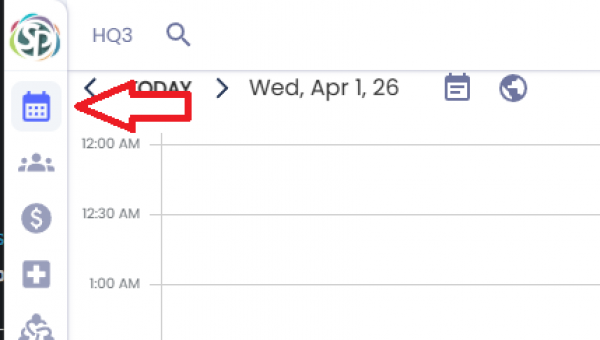
To delete calendar, go to the calendar page using the menu on the left side or by clicking [CTRL+1].
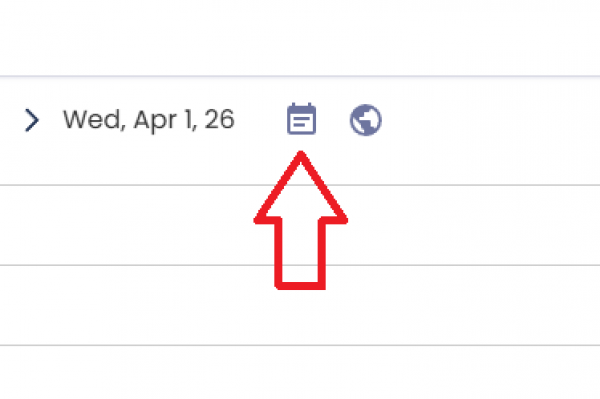
Click the Calendar button next to the date. This will display a sidebar on the right side with your current calendars.
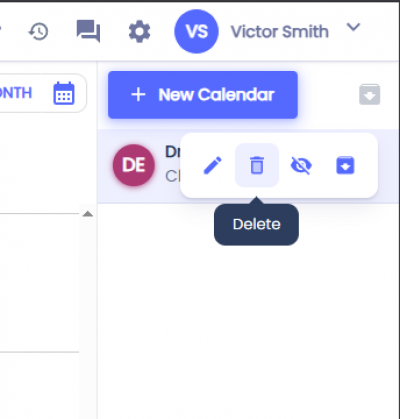
Hover over the calendar you want to delete and click on the trash icon. An alert will appear asking you to confirm.
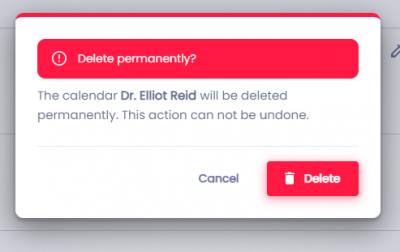
To permanently remove the calendar click Delete.
Note: Deleted calendars can't be recovered.
Related Pages:
calendar/delete_calendar.txt · Last modified: by architect