
calendar:appointment:change_status
Changing an Appointment status
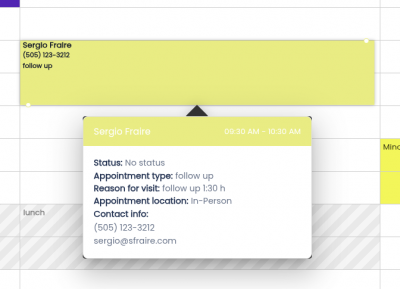
Left click the appointment you want to edit.
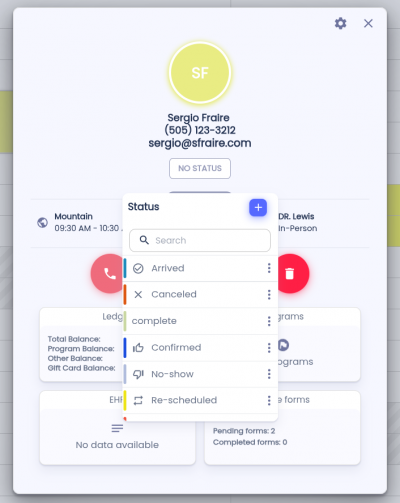
Click the Status button below the patient details. Choose the desired status from the dropdown menu. The dropdown will also show the color associated with each status.
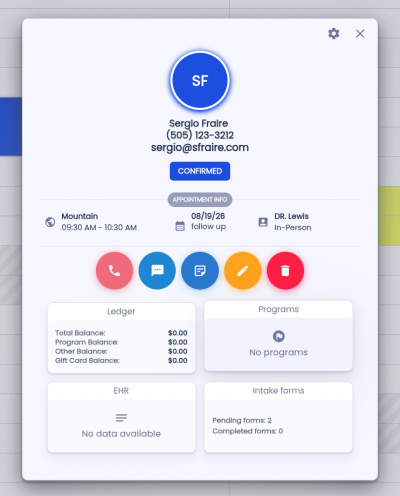
Once you select a status, the appointment color will update automatically. A notification will appear confirming that the status was successfully changed.
calendar/appointment/change_status.txt · Last modified: by architect