Account Setup Guide
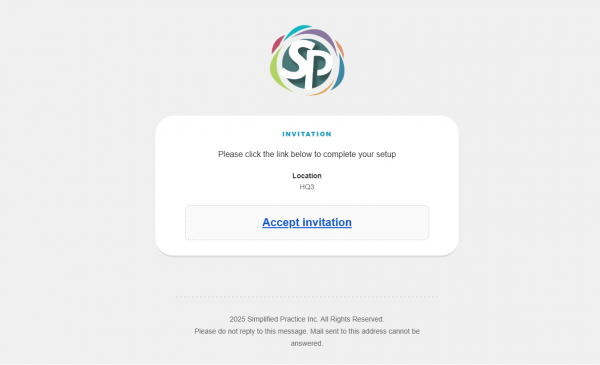
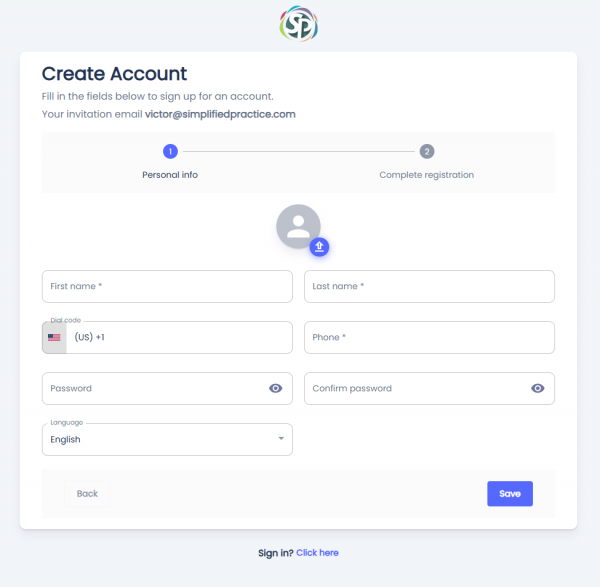
You will receive an invitation in the email address you used to register. Click on the Accept Invitation link and it will take you to the Create Account page.
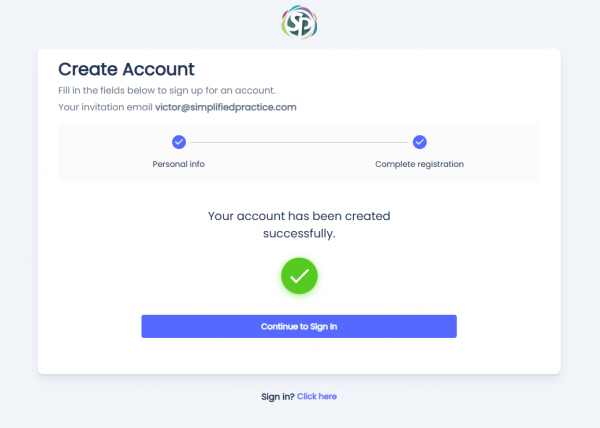
Once you fill out all the fields it will show you the a message letting you know that the account has been successfully created.
You may then click the Continue to Sign In button to go back to the Sign In page.